





What a Gate-Closure Photo Can Tell You After a Scoop Visit
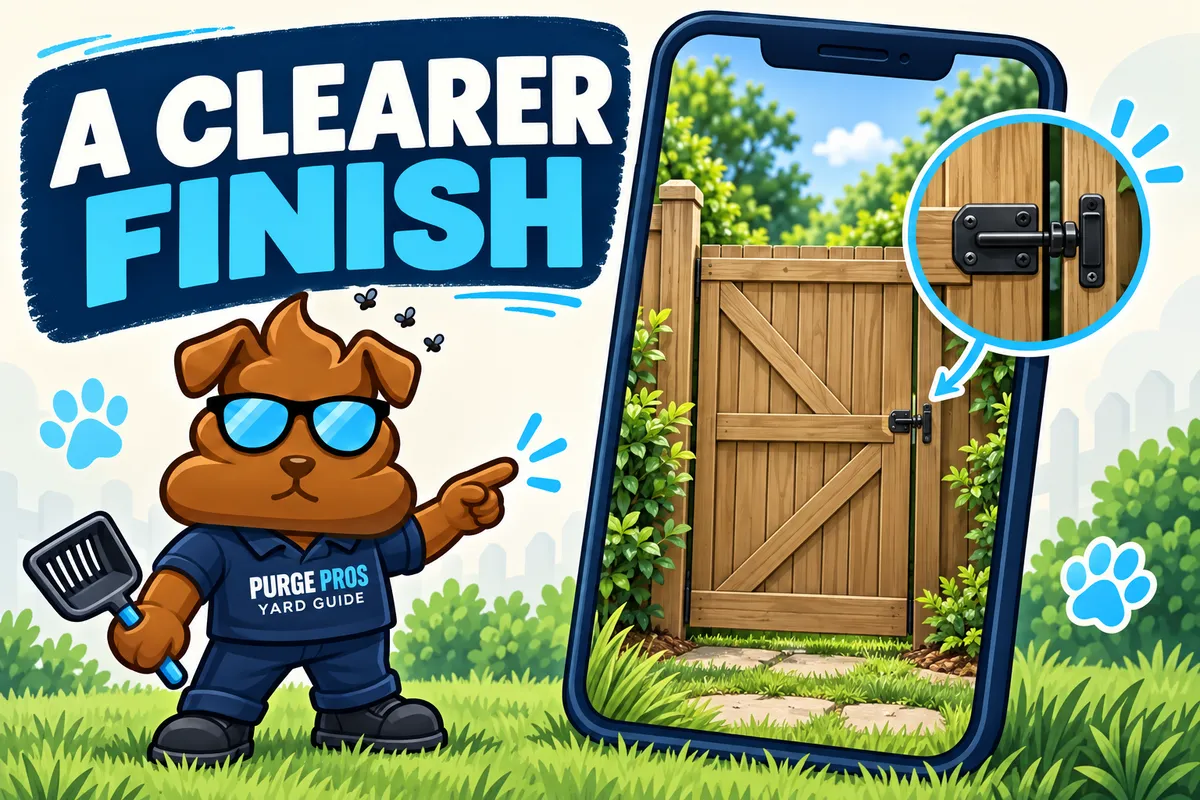
A gate-closure photo gives you a useful point of reference after a yard cleanup, especially when you are away from home. It can show the gate and the area pictured at the end of a visit. It is most helpful when you know what you are looking at and how it fits alongside your service updates.
At Purge Pros, photos are attached to completed jobs and can be reviewed with the visit information through your invoice or customer portal. If you cannot locate a particular visit photo, ask the team for help finding it. The picture is one part of the service record; it does not replace a conversation about an access issue or a question about the cleanup.
Start with the right visit and the right gate
Before comparing a photo with the yard in front of you, confirm which completed visit it belongs to. A picture from the previous cleanup can be easy to mistake for the newest one when your fence looks the same week after week.
Look for familiar details: the gate material, the direction it opens, the latch, and a nearby path or fence post. Homes with a front gate and a separate side gate need especially clear access instructions. If the picture shows a different entrance from the one you expected, send the team that specific question rather than guessing which route was used.
Our gate-access checklist explains the information worth settling before service. Keep those instructions current when hardware, codes or the preferred entrance change.
Separate what is visible from what you still need to ask
A useful photo may show that the gate is in its closed position, along with visible latch hardware. A close view of the latch provides a different kind of detail from a wide view of the fence. Neither view should be read as more than it actually shows.
For example, a gate can look closed in a picture without the image revealing every part of its fastening mechanism. If your gate needs a particular closing step, explain it in your access instructions and confirm that the team understands it. A photo is not a substitute for repairing a loose hinge, damaged latch or unreliable gate.
The same limit applies to the yard. A gate photo does not show every serviced corner or prevent new dog waste from appearing after the visit. If you have a cleanup concern, identify the area and the visit rather than relying on a single photo to answer every question.
Send a question that is easy to act on
When something looks unfamiliar, a short, specific message is more useful than a general “What happened?” Include the service date, the gate or yard section involved, and what you need clarified. You can refer to the photo already attached to the job without sharing it publicly.
“For today's visit, was the side gate used or the driveway gate?”
“The latch was replaced this week. Can we update the closing instructions before the next visit?”
“I cannot find the photo for the latest cleanup. Can you point me to that visit's record?”
These are example questions, not actual customer messages. They keep the conversation focused on a detail the team can check. If a gate appears open or unsafe when you return, check the situation directly before letting your dog into the yard.
Keep access changes out of public comments
Gate codes, key locations and detailed access instructions belong in your direct service communication with the business. Avoid posting them in a public review, social comment or shared screenshot. If you send a photo to explain a latch problem, include the relevant hardware rather than unrelated personal details.
If another household member, dog sitter or contractor changes the gate setup, agree on who will tell the service team. Our dog-sitter and yard-service checklist can help you coordinate that handoff.
Use photos to make the routine clearer
The goal is a straightforward record: which visit took place, which gate is shown, and where to ask if you need more detail. Clear access instructions before the visit and a useful photo afterward support that routine together.
Explore Purge Pros dog waste removal or check your ZIP and build your plan. The team confirms the service address and recurring day before service is arranged.