





Moved or Changed Your Phone? A Dog Waste Service Update Checklist
A move, a new phone number, a changed gate, or a new household contact can make an old dog-waste service note unreliable. The yard may look the same, but the person answering questions, the route into the property, or the address attached to the request may no longer be current.
Use a short checklist when details change. Share the update through the established service conversation, and wait for confirmation before treating it as a changed appointment or route instruction.
List exactly what changed
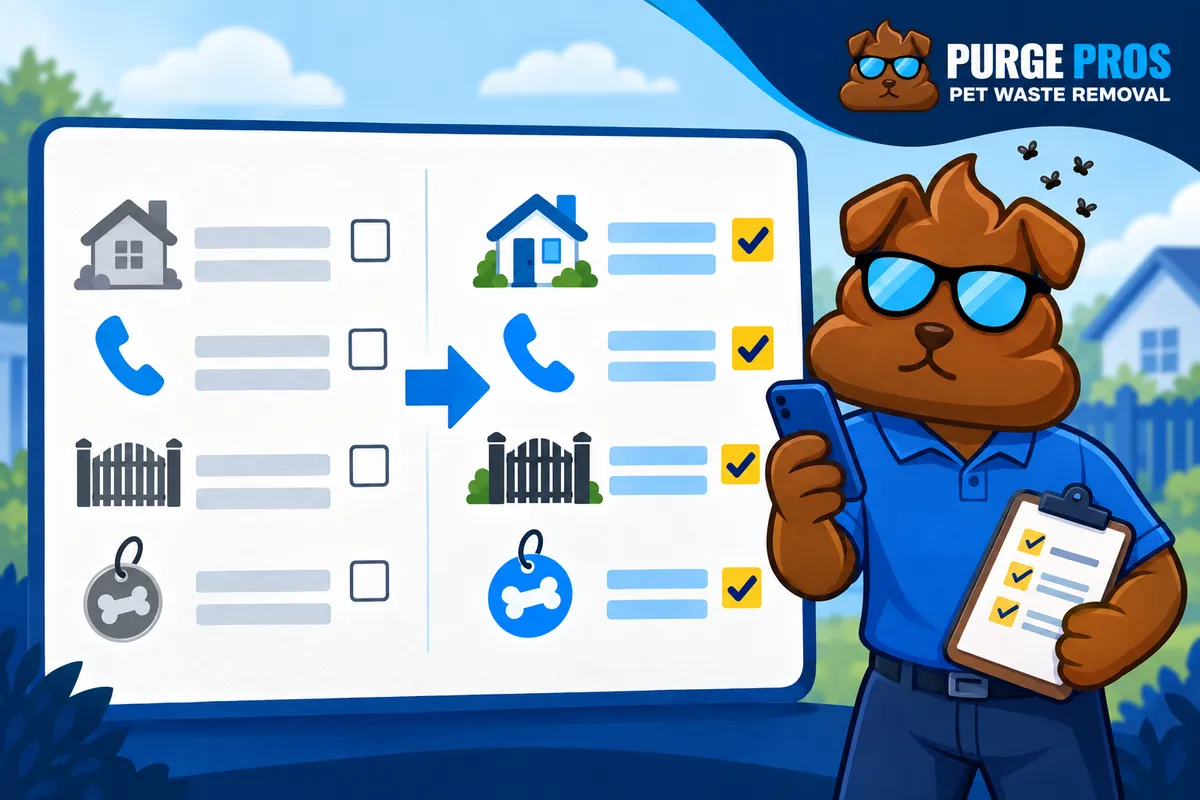
Start with the facts that need updating: service address, mailing address if relevant, primary phone, preferred contact person, email, dog count, cleanup sections, gate or lock, pet arrangement, and the date the change takes effect. Do not send a vague note such as “everything is different.” A precise list is easier to review and less likely to leave an old instruction attached to the service.
If you moved, treat the old and new properties as separate locations until the new address has been reviewed. The moving with dogs checklist explains why a previous service arrangement does not automatically transfer to a new property.
Update the contact through the known channel
Use the service conversation or contact method you already rely on and identify the account or property clearly. Say which phone number should receive future communication and who is authorized to discuss access or scope. If a household member is replacing another contact, state the handoff instead of assuming the change will be inferred from a new signature.
This checklist does not assume that a self-service portal, automatic profile update, or particular account screen exists. If you are unsure where to send the change, ask the team which established channel should hold it. Keep confirmation of the received update with your household records.
Replace old access instructions
Describe the entrance by location, confirm the latch or lock, and identify any interior gate. If a code, lockbox, or temporary arrangement changed, provide the precise detail privately through the agreed service channel. Do not post it in a public note or send it to a former contact who no longer manages the property.
Walk the route yourself before the next visit. Move bins, hoses, furniture, or stored boxes that block the gate swing. Keep pets in the agreed secure space while the team enters. The gate-access checklist covers the practical details to verify.
Separate a request from a confirmed change
Say whether you are reporting a contact update, asking for an access-note change, requesting a new property review, or asking about a future visit. These are different actions. A message sent with a preferred date or new phone does not by itself confirm a route, a service day, or a price for the new address.
If the yard sections or dog count changed, explain the current scope rather than assuming the old quote still describes the work. If someone else is coordinating a move or a temporary handoff, name that person and say when their responsibility ends.
Keep a final household copy
After the team confirms the update, save the current address, contact, access note, pet arrangement, and effective date in one household location. Remove obsolete codes from your own notes. Recheck the gate after a repair or move, because a previous completion photo cannot certify a new latch or a different property.
For a new address, review Purge Pros dog waste removal and check the ZIP and build a quote. For an existing account, continue the established service conversation so the current contact and yard details can be reviewed together.